
Share This Article
Podcast production takes many forms, depending on whether a show records in one room, fully remote, or as a mix of both. Riverside builds for all three scenarios without forcing a separate tool for each one. The platform adjusts its recording setup depending on where guests sit and how they connect, while keeping output quality consistent across formats.
What Riverside Does: Studio-Quality Recording Without the Studio
Riverside positions itself as an end-to-end platform covering recording, editing, repurposing, and distribution in one flow. Podcasts, interviews, webinars, live streams, and video marketing content all run through the same system. Creators can record solo or with guests, then move into a text-based editor or lean on AI tools when time is short. Because everything lives in one place, a session does not need to be exported between separate apps for editing and publishing.
In-Person Shows: Multicam Recording in Any Space
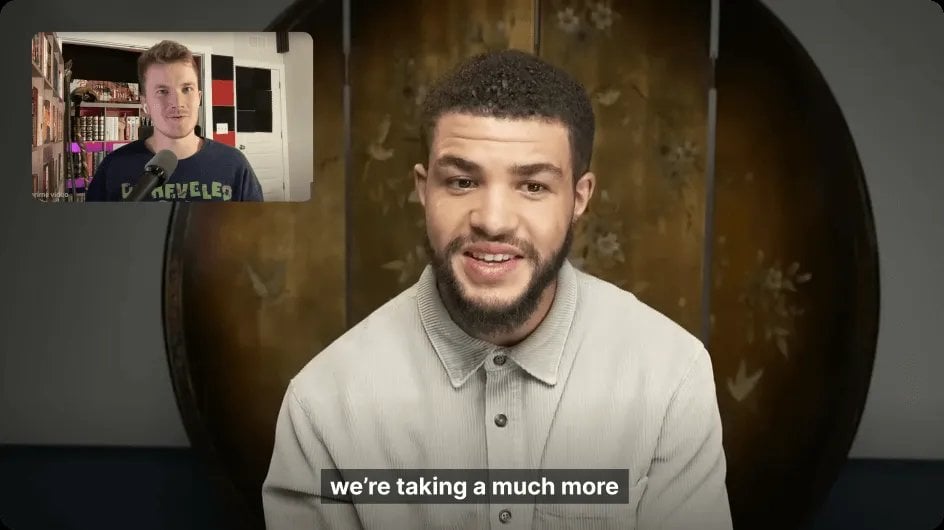
For shows filmed with people in the same room, Riverside captures each camera as its own track rather than blending feeds into a single file. That separation gives editors more control afterward, since video from each participant can be color corrected, reframed, or swapped independently. The platform supports video capture up to 4K, along with a constant frame rate, so footage from different cameras stays visually consistent. Because tracks save locally on each device before syncing to the cloud, a spotty connection in the room does not degrade the final recording.
Remote Shows: Local Recording on Every Guest’s Device

Remote recording is where Riverside’s local-first approach matters most. Instead of streaming audio and video straight to the cloud the way many video call tools do, the platform saves each participant’s track to their own device first. That means a guest joining from a laptop in another city still produces a high-resolution file, even if their internet connection wavers mid-conversation. Audio is captured as uncompressed 48kHz WAV, and video can reach 4K, with every speaker’s track kept separate for easier editing later. Tracks progressively upload to the cloud during the session, so files tend to finish uploading shortly after recording wraps.
Hybrid Shows: Mixing In-Room and Remote Participants
Hybrid formats combine a local camera setup with one or more remote guests joining over the internet, and Riverside treats both as part of the same session. Producers can create and organize studios based on the kind of content being produced, then invite guests with a single click before hitting record. Local and remote tracks are stored separately per speaker regardless of how each person joined, which keeps crosstalk and audio bleed out of the editing stage. This structure lets a production team manage a single recorded session even when half the guests are sitting across a table and the other half are dialing in from elsewhere.
- In-person sessions rely on multiple synced cameras, each saved as its own high-resolution track for flexible editing.
- Remote sessions depend on local recording on each participant’s device, which protects quality against unstable internet connections.
- Hybrid sessions blend both approaches, keeping local and remote audio and video on separate tracks within one unified recording.
- Video quality across all three setups can reach up to 4K, while audio is captured as uncompressed 48kHz WAV rather than a compressed format.
- Track separation by speaker, whether local or remote, is what allows Riverside’s AI editing tools to apply fixes like noise removal or layout switching to one person without affecting others.
AI-Assisted Editing and Repurposing Across All Show Types
Once a session is recorded, Riverside‘s AI tools can turn it into a polished cut complete with transcripts and show notes. Editing happens through a text-based interface, so deleting a line in the transcript removes that moment from the video automatically. Filler words, long pauses, and dead air can be cleaned up with a single click, and the AI Co-Creator generates clips, social posts, and thumbnails from the same recording. Separate speaker tracks, whether they came from an in-person camera or a remote laptop mic, are what make these automated edits possible without manual untangling of crosstalk.
The platform also includes a video enhancement model trained specifically on conversational footage, which can salvage a guest’s lower-quality webcam feed. This matters for hybrid and remote shows in particular, where camera setups vary from one participant to the next. Riverside applies enhancement to any video track under 1080p, whether it belongs to a host or a guest, without requiring a re-record.
Publishing and Distribution From One Platform
After editing, content can be scheduled and published directly to YouTube, TikTok, Instagram, LinkedIn, X, and Facebook without leaving the platform. Riverside also generates post descriptions based on the actual recorded content, and it can switch aspect ratios in one click so a single video becomes platform-ready in multiple formats. A built-in content calendar shows scheduled posts alongside recordings, live streams, and webinars, giving production teams one place to track what is going out and when. This closes the loop between capturing raw footage and getting a finished episode in front of an audience, regardless of whether the show was recorded in person, remotely, or as a hybrid mix.
Separated, high-quality tracks remain the foundation that makes the entire workflow possible.
