
Share This Article
If you spend half your day wrestling with PDF files, converting documents or squinting at unreadable scanned files, you’re not alone. The modern workplace demands seamless document management, yet so many of us rely on clunky tools that feel stuck in the past. Creating, editing, converting and securing PDFs shouldn’t require a degree in software engineering or a subscription to half a dozen different platforms. PDF Agile arrives as the refreshingly comprehensive solution that transforms your entire document workflow from frustrating to genuinely efficient.
The PDF Problem Nobody Talks About
Let’s be honest PDFs have become ubiquitous, yet most software treats them like afterthoughts. You receive a client proposal in PDF format but need to edit it quickly. You have a scanned contract that’s barely legible. You need to convert PowerPoint presentations to formats your team actually works with. You’re drowning in multi-page documents and need to reorganize them. Standard tools make these everyday tasks feel unnecessarily complicated. This new comprehensive platform recognizes these real-world frustrations and builds solutions directly into one unified interface, eliminating the need to jump between five different applications.
Editing PDFs Like You’re Using Word
The revelation moment comes when you open this software and realize editing PDFs actually feels natural. Unlike restrictive viewers that treat PDFs as sacred, unchangeable objects, the software lets you update documents with word-processor-like fluidity. Need to reflow text across paragraphs and columns? Done. Want to modify text size, font or line spacing? Absolutely. Ready to change document layout entirely? PDF Agile anticipates your needs. You can add multimedia, embed links and enhance documents without exporting to Word, editing and converting back. This transforms PDFs from static deliverables into working documents that evolve alongside your projects.
Conversion Without the Headaches
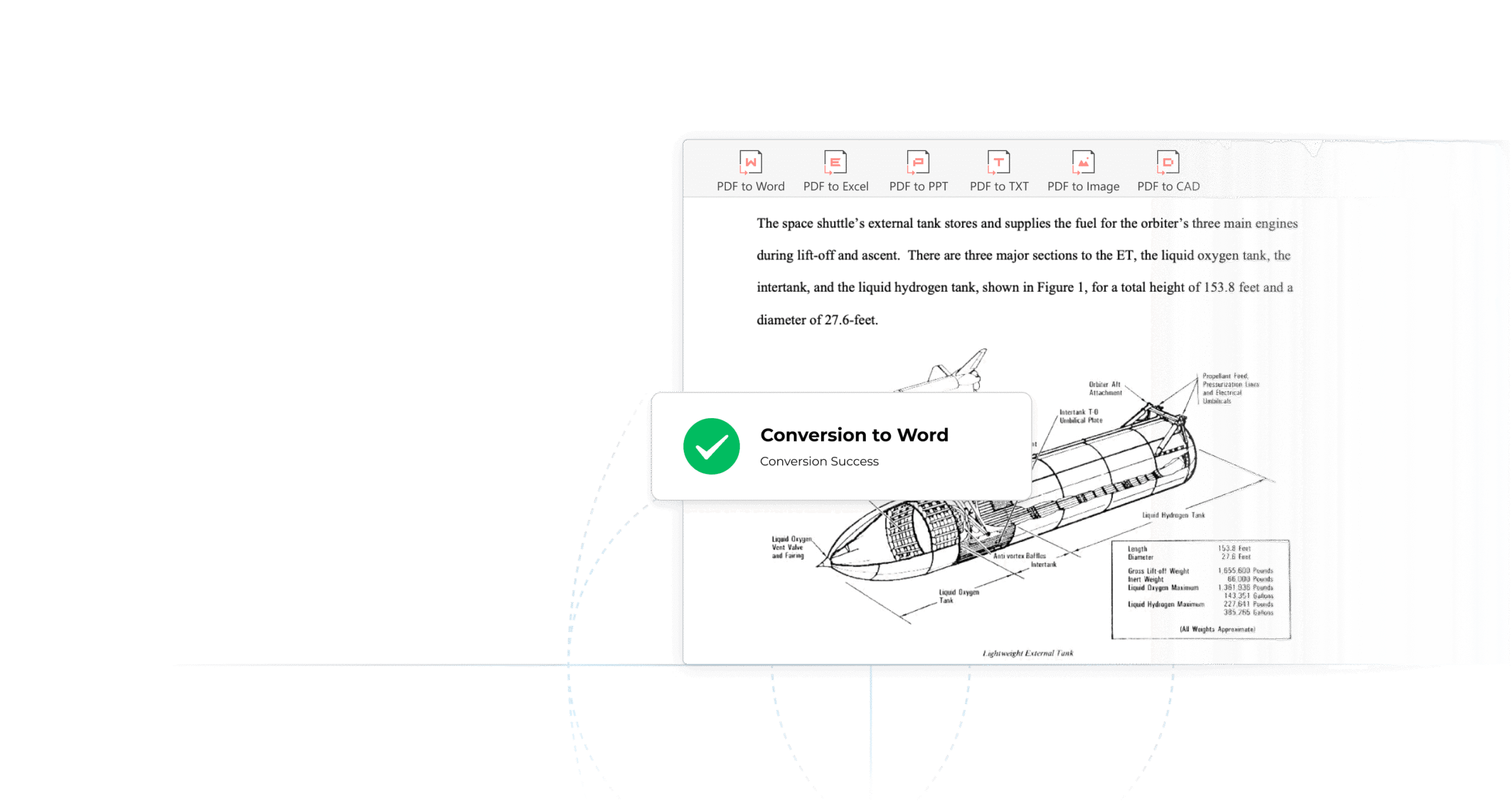
Converting files shouldn’t be an adventure into technology hell. This software makes conversion feel almost embarrassingly easy. Transform PDFs to Word, Excel, PowerPoint, text, images or even CAD formats while preserving your original formatting, no more reconstructing documents from scratch. Conversely, convert from those formats into PDF without losing the visual integrity you worked hard to achieve. This bidirectional conversion capability means your documents work seamlessly across teams, clients and systems that may prefer different formats. PDF Agile handles the technical complexity so you can focus on content rather than troubleshooting incompatible file types.
Organization and Document Manipulation
Multi-page documents shouldn’t require chaos. The platform offers intuitive page organization features that make sense. Merge multiple documents, split oversized files, drag and drop pages within a document or between files, add professional stamps and watermarks and insert headers and footers that appear exactly where you need them. Imagine receiving a fifty-page contract and needing to extract pages 15-23 for a specific vendor. With traditional PDFs, this becomes tedious. With PDF Agile, it’s literally drag-and-drop simplicity. The software anticipates the organizational tasks that consume surprising amounts of professional time.
OCR Technology That Actually Works

Scanned documents represent a particular frustration, beautiful PDFs that are completely unsearchable and difficult to edit. This solution integrates powerful full-text Optical Character Recognition technology that extracts text from scanned images with impressive accuracy. Old contracts, archival documents, photographs of handwritten notes, the OCR engine transforms these into editable, searchable text. This capability alone saves countless hours for professionals managing legacy documents or handling client submissions that haven’t been digitized. Your historical documents become accessible and usable rather than locked away in image form.
Flexible Viewing Options for Every Context
One-size-fits-all viewing rarely fits anyone well. The software offers three distinct viewing modes, each optimized for specific scenarios. Read Mode focuses your attention on content without distractions. Full-Screen Mode eliminates interface elements for immersive document review. Slideshow mode transforms presentations into dynamic viewing experiences. Switching between modes takes literally one click, adapting the interface to your current task rather than forcing you into a single viewing approach. PDF Agile acknowledges that document interaction varies based on context.
Security and Efficiency Features
Sensitive documents demand protection, yet security shouldn’t be complicated. The platform includes features to secure your documents appropriately. Compress files to manageable sizes without quality loss, add watermarks to protect intellectual property and control document access to maintain confidentiality. These security features integrate seamlessly into your workflow rather than adding layers of complexity. Professional features remain accessible without demanding technical expertise. PDF Agile delivers sophisticated capabilities in an approachable package.
Why This Solution Stands Out
- Edit PDFs with word-processor simplicity, not technical restrictions or limitations.
- Convert bidirectionally between PDF and Word, Excel, PowerPoint, images and CAD formats.
- Organize, merge, split and manipulate pages with intuitive drag-and-drop functionality.
- Extract text from scanned documents using powerful integrated OCR technology.
- Access three specialized viewing modes optimized for different document interaction scenarios.
Your document workflow transforms from daily frustration into genuine efficiency. The time you save compounds into hours reclaimed monthly.
