
Share This Article
For years, Mac users faced a frustrating reality. If a critical application ran only on Windows, the options were limited. Buy a second computer. Reboot into another system. Search for a workaround. None of those solutions felt seamless. None of them felt modern.
Parallels removes that compromise entirely. It allows Windows to run directly on a Mac, side by side with macOS, without rebooting and without interrupting workflow. Instead of forcing users to adapt to software limitations, it transforms a single device into a flexible, multi-environment workspace. The result is not just compatibility. It is freedom.
One Computer, Two Operating Systems, Zero Disruption
Technology should simplify work, not complicate it. Yet many professionals still find themselves stuck between operating systems. A finance professional might depend on Windows-exclusive accounting software. A student may need a Windows-only academic application. A developer could require multiple testing environments across platforms.
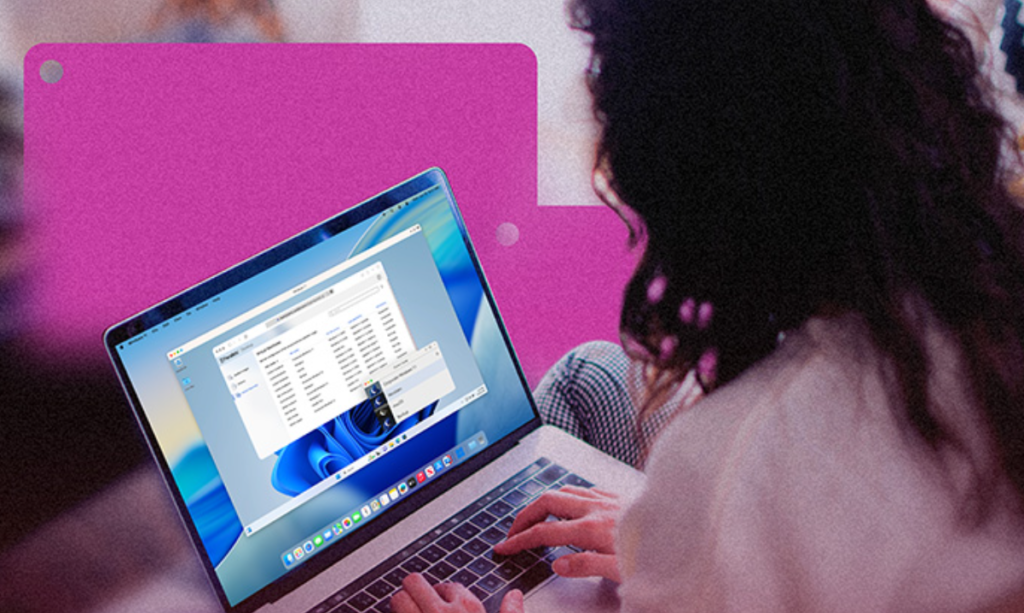
Parallels eliminates the divide by running Windows inside macOS as a virtual environment that feels fully integrated. Windows applications can launch from the Mac dock. Files move easily between systems. Copy and paste works naturally across environments. There is no constant switching of machines or rebooting into different modes. The experience feels unified rather than divided. Both operating systems coexist on one device, enabling users to move between them fluidly.
This level of integration changes how people approach their daily tasks. Instead of planning work around system constraints, users work the way they prefer.
Why Switching Systems Slows You Down

Rebooting breaks momentum. Switching devices disrupts focus. Even small delays create friction that adds up throughout the day. When productivity depends on efficiency, those interruptions matter. Running Windows through Parallels keeps workflows intact. A spreadsheet in a Windows application can sit beside a macOS design tool. A development environment can operate simultaneously across platforms. A presentation can pull data from multiple systems without manual transfers. The convenience is immediate, but the deeper benefit is consistency. Work continues without interruption. Focus stays where it belongs.
Built for Real Workloads, Not Just Convenience
Compatibility alone is not enough. Performance matters. Applications need to respond quickly. Graphics must render smoothly. Files must transfer reliably. Parallels is engineered to optimize resource allocation between macOS and Windows. Users can adjust memory and processing power based on workload requirements. For tasks that demand high performance, the system can dedicate additional resources. For lighter use, it maintains balance without draining capacity.
This adaptability makes it suitable for a wide range of professionals:
- Developers testing applications across operating systems
- Designers combining macOS creative tools with Windows business software
- Financial professionals using Windows-exclusive enterprise tools
- IT teams managing virtual environments for distributed teams
- Students running required academic applications
- Consultants who need access to multiple systems for clients
Each use case benefits from having both systems accessible without physical hardware duplication.
Seamless Integration That Feels Native
What makes Parallels stand out is how natural the experience feels. Windows does not feel like a separate machine running awkwardly inside macOS. It feels like an extension of it. Mac gestures work inside Windows. Files can be dragged between desktops. Shared folders eliminate unnecessary duplication. Even hardware peripherals such as printers, USB devices, and external drives integrate smoothly.
Instead of creating two isolated digital worlds, Parallels builds a bridge between them. The technology fades into the background while productivity moves forward.
Developers Gain a Powerful Testing Environment
For developers, virtualization is not simply about running one additional system. It is about flexibility. Testing software across multiple operating systems is often essential for quality assurance. With Parallels, developers can run different Windows versions, Linux distributions, or experimental environments simultaneously. Snapshots allow quick rollbacks to previous states, reducing risk during testing. Isolated virtual machines protect the main system while enabling experimentation.
This creates a dynamic development environment where iteration is faster and troubleshooting is more controlled. Instead of maintaining multiple physical devices, everything runs within a single, organized ecosystem.
Businesses Simplify IT Without Limiting Choice
Corporate environments often rely heavily on Windows-based infrastructure. However, many employees prefer using Mac hardware. Without virtualization, businesses must either standardize hardware or manage separate systems. Parallels offers flexibility. Teams can continue using Mac devices while maintaining access to Windows enterprise software. This reduces hardware costs and simplifies device management without restricting user preference.
IT departments also benefit from easier deployment and controlled virtual environments. Employees gain compatibility. Businesses maintain structure. Productivity remains uninterrupted.
Academic programs sometimes require Windows-only software for coursework. Creative professionals may prefer macOS tools but need access to business or administrative platforms that operate on Windows.
Parallels eliminates the need to purchase additional hardware for limited use cases. A student can complete assignments across platforms on one laptop. A creative professional can design in macOS while managing contracts or analytics in Windows applications. The convenience supports focus and financial practicality.
Installation That Does Not Feel Technical
Virtualization might sound complex, but the setup process is guided and approachable. Installation walks users through configuration, and recommended settings optimize performance based on system specifications. Once installed, Windows launches like any other app. It can run full screen for immersive use or within a window for multitasking. Adjustments are intuitive. The learning curve is minimal.
The technical sophistication exists under the surface, but the user experience remains straightforward.
A Modern Approach to Operating System Freedom
Modern professionals do not think in terms of operating system loyalty. They think in terms of results. The best tool for a task may exist on macOS. Another essential application may exist only on Windows. Parallels acknowledges that reality. Instead of asking users to choose, it empowers them to combine.
This flexibility supports innovation. It removes hesitation when adopting new tools. It simplifies collaboration in cross-platform environments. In an era where digital work spans ecosystems, platforms, and infrastructures, having the ability to run Windows on Mac without friction is more than convenient. It is strategic.
Parallels is not just about running another operating system. It is about eliminating unnecessary barriers, consolidating workflows, and giving users control over how they work.
One device. Multiple systems. No compromise.
