

Share This Article
Digital security has become essential as individuals and organizations accumulate hundreds of online accounts requiring unique, secure credentials. Traditional password management practices like reusing passwords or writing them down create significant security vulnerabilities. Modern password managers eliminate these risks by securely storing complex credentials and automatically filling login forms. The average person manages dozens of digital accounts across services ranging from email to banking to social media. Advanced security solutions streamline password management while providing peace of mind about account protection and data privacy.
The Critical Importance of Strong Password Security
Weak passwords remain a primary target for cybercriminals attempting to gain unauthorized access to personal and business accounts. Dictionary-based passwords and common variations can be cracked in seconds using modern computing power. Security experts recommend passwords containing at least 16 characters mixing uppercase, lowercase, numbers and special characters. Creating unique passwords for each service prevents account compromise from spreading across multiple platforms. Password managers generate cryptographically secure passwords that meet security requirements without requiring manual memorization. Individuals using strong, unique passwords across all accounts dramatically reduce their vulnerability to unauthorized access.
Understanding Encryption and Security Architecture
Password managers employ encryption technologies ensuring stored credentials remain inaccessible to unauthorized parties. Zero-knowledge encryption architecture means even service providers cannot access customer passwords or stored data. Encryption protocols verified by security audits and independent third parties provide assurance of protection. Military-grade encryption algorithms withstand current and anticipated future cryptographic attacks. Access controls limit credential visibility to authorized individuals only. When you use advanced solutions like 1Password, your sensitive data benefits from enterprise-grade security infrastructure.
Simplifying Access Across Multiple Devices
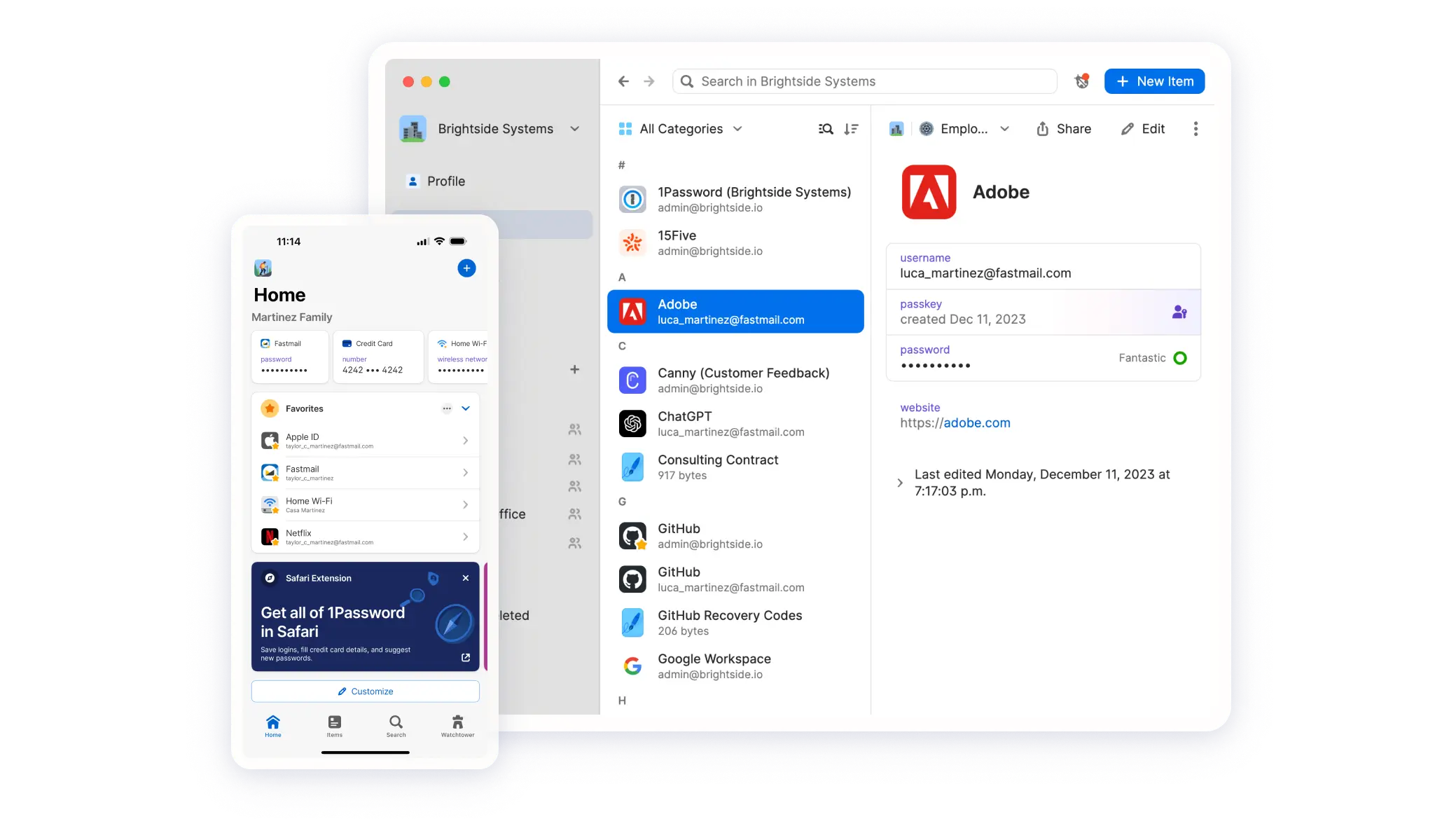
Modern lifestyles involve using multiple devices from smartphones to tablets to computers throughout the day. Password managers synchronize credentials across devices securely, enabling seamless access regardless of which device you’re using. Mobile applications provide quick access to stored credentials while maintaining encryption and security. Browser extensions autofill login information reducing manual typing and improving security. Synchronization technology ensures credential updates flow immediately across all devices. Users never worry about having access to required passwords when traveling or working remotely. Digital security solutions keep all your devices synchronized with current credentials.
Password Management for Families and Teams
Shared accounts and credentials create challenges for families and teams coordinating work and personal resources. Traditional password sharing via email or messaging introduces significant security risks. Secure password managers enable sharing credentials without exposing the actual passwords to recipients. Family vaults maintain separate credential spaces for different household members while allowing controlled sharing. Team password management provides businesses with secure credential distribution and audit trails. Emergency access features allow designated trusted individuals to access critical accounts during emergencies. Organizations managing credentials across multiple team members require centralized secure solutions.
Protection Against Common Cyber Threats
Phishing attacks attempt to deceive users into entering credentials on fraudulent websites mimicking legitimate services. Password managers verify website authenticity before autofilling credentials, preventing accidental information disclosure. Credential theft during data breaches exposes passwords stored on service provider systems. Using unique passwords across services limits damage from any single breach to that specific account. Two-factor authentication combines passwords with additional verification creating layered security. Monitoring services alert users to compromised passwords appearing in public breach databases. Modern security requires multiple protective layers addressing different threat vectors simultaneously. 1Password
Organizing Credentials Efficiently
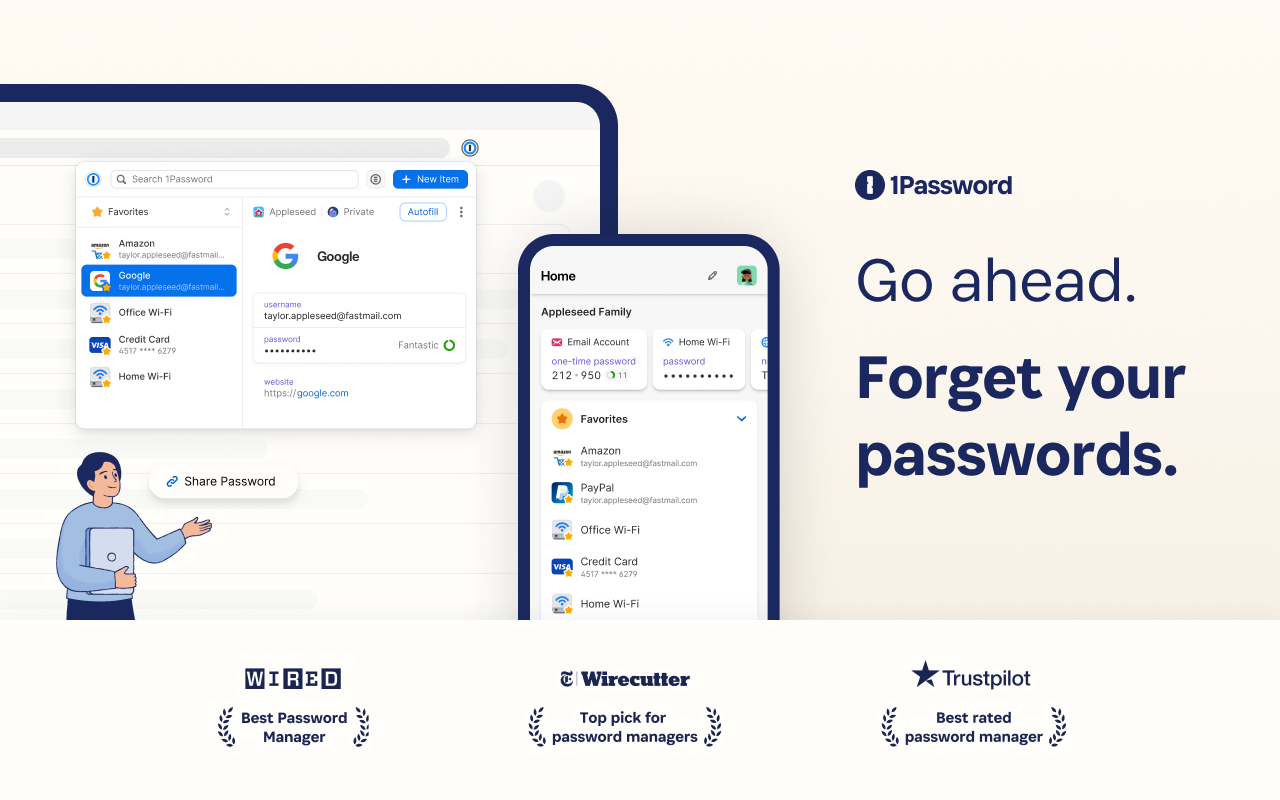
As account numbers accumulate, organizing credentials logically becomes essential for quick retrieval. Secure folders and categorization systems organize credentials by service type or personal significance. Tagging systems enable rapid searching across large credential libraries. Secure notes store related information like recovery codes or security question answers alongside passwords. Favorites and frequently used credentials appear prominently in user interfaces. Well-organized credential systems enable faster access while reducing frustration from searching. Premium solutions offer intelligent organization tools making credential management effortless. 1Password
Recovery Scenarios and Emergency Procedures
Unexpected events like lost devices or forgotten master passwords require reliable recovery mechanisms. Secret key backup systems allow account recovery through authenticated procedures. Designated emergency contacts gain temporary access through verified procedures during genuine emergencies. Recovery codes generated during setup enable account access when normal authentication methods fail. Multi-factor recovery verification prevents unauthorized account access during recovery procedures. Planning for emergency scenarios ensures continued account access during unexpected circumstances. Reliable recovery procedures provide reassurance that account lockouts remain temporary and recoverable. 1Password
Compliance and Business Security Requirements
Organizations handling sensitive customer data face regulatory requirements around credential protection and access control. Audit trails documenting credential access provide accountability and transparency. Role-based access controls restrict credential visibility to authorized team members only. Compliance certifications and security standards compliance demonstrates commitment to information protection. Businesses requiring credential management solutions need auditable systems satisfying regulatory requirements. Enterprise password management solutions balance usability with security and compliance requirements. When you work with 1Password, your organization gains compliance-ready credential management capabilities. 1Password
Privacy Considerations and Data Protection
Privacy extends beyond protecting passwords to safeguarding all stored information from unauthorized access. Privacy policies should clarify data handling practices and operational procedures. Independent security audits verify privacy practices and security architecture. User control over stored data determines what information services collect and retain. Transparent data practices build trust between service providers and users. Privacy-conscious individuals should verify service provider commitment to data protection before engagement. Advanced solutions prioritize privacy and demonstrate commitment through third-party verification. 1Password
Future Security and Evolving Threats
Cybersecurity threats continuously evolve requiring password management solutions to incorporate emerging protection technologies. Quantum computing advances may necessitate new encryption algorithms protecting against computational attacks. Artificial intelligence integration helps identify suspicious account access patterns and potential threats. Biometric authentication combined with password management creates multifaceted security approaches. Staying informed about emerging threats encourages regular security practice updates. Premium password managers invest in research ensuring protection remains effective against emerging threats. When you select 1Password, you choose a solution committed to evolving security capabilities.
- Create unique passwords for each service containing at least 16 characters mixing character types.
- Enable two-factor authentication wherever available to add security layers to critical accounts.
- Regularly review credential access logs and security alerts from your password manager.
- Securely share passwords through password manager sharing features rather than email or messaging.
- Maintain backup access methods and emergency contact procedures for account recovery scenarios.
