

Share This Article
Creating videos alone sounds simple until you actually try doing everything yourself. You have to set up the camera, check the lighting, make sure you’re in focus, and somehow deliver your content without constantly worrying about the recording.
Anyone who has filmed a tutorial, cooking video, or YouTube presentation knows how frustrating it can be to discover that half the footage is poorly framed.
This is one reason OBSBOT cameras are becoming an interesting option for independent creators. Instead of simply capturing whatever sits in front of the lens, these cameras use intelligent tracking and automatic framing to make solo recording more manageable.
The Problem With Being Your Own Camera Operator
Professional video production usually involves someone monitoring the camera while another person presents. Solo creators rarely have that luxury.
Imagine recording a fitness tutorial where you need to demonstrate movements across a room. With a traditional stationary camera, you either stay within a limited area or risk moving out of the frame.
The same problem affects cooking creators, online teachers, product demonstrators, and anyone who prefers moving naturally while speaking.
You can certainly solve some of these problems through careful camera placement and editing. However, those extra steps consume time that could be spent creating better content.
This is where automatic camera tracking becomes genuinely useful.
What Makes OBSBOT Cameras Different?
The interesting thing about OBSBOT isn’t simply that its cameras offer high-resolution video. Plenty of webcams and digital cameras already deliver excellent picture quality.
Its more distinctive feature is the ability to follow subjects automatically.
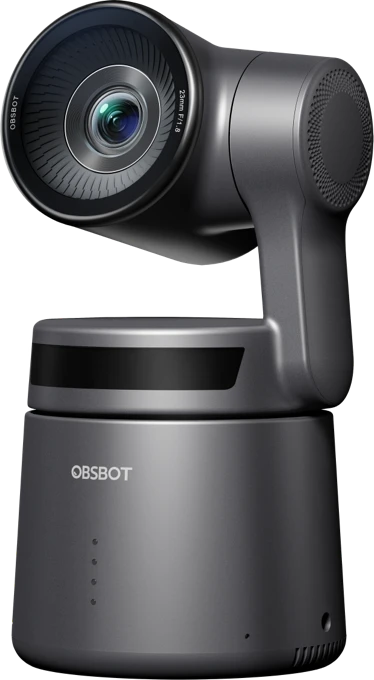
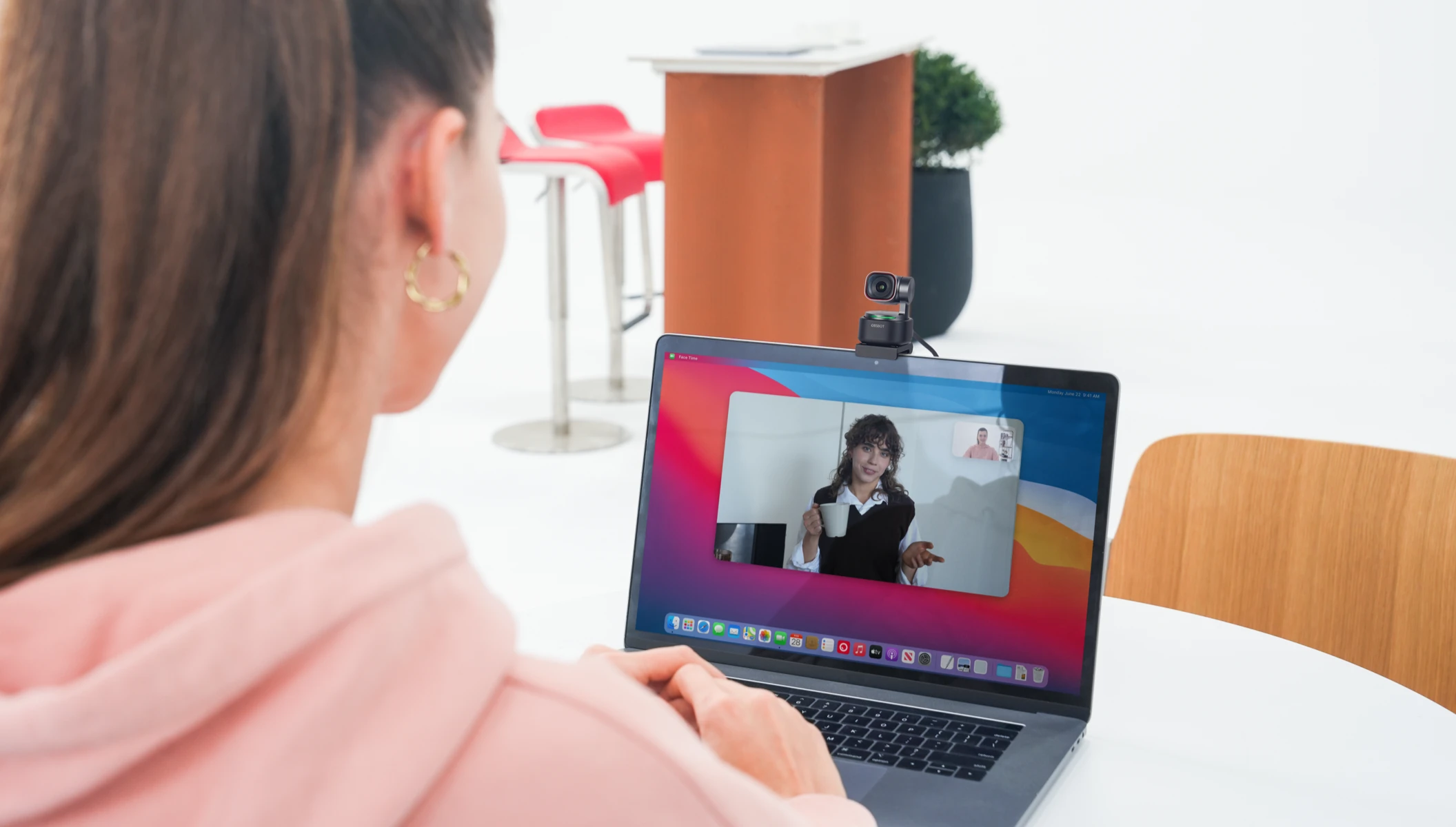
For example, the OBSBOT Tiny 2 combines 4K video recording with AI tracking, automatic zoom, and gesture controls. Its motorized gimbal allows the camera to adjust its direction as the subject moves.
That means a creator can stand up, move around, or demonstrate something without manually repositioning the webcam every few minutes.
The company also offers the Tail series, designed for more demanding recording and live-streaming situations. The Tail 2 supports intelligent subject tracking, optical zoom, and vertical video recording.
These capabilities don’t eliminate the need for thoughtful camera placement, but they can make recording significantly less restrictive.
A More Comfortable Way to Create Content
One underrated benefit of intelligent cameras is how they change the recording experience.
People often appear uncomfortable on camera because they’re concentrating on technical details rather than what they’re saying. They keep glancing at the screen, checking their position, or interrupting themselves to adjust equipment.
With an AI tracking camera, there’s less need to constantly monitor the framing.
Consider a teacher recording an educational video. Instead of remaining seated throughout the lesson, they can move around while explaining concepts. A cooking creator can shift between different parts of the kitchen without needing someone to operate the camera.
For live streamers, this flexibility can make broadcasts feel more spontaneous and conversational.
Of course, automatic tracking isn’t perfect in every environment. Crowded backgrounds, unusual lighting, or rapid movement can still create challenges. Testing the tracking settings before an important recording remains a sensible habit.
Which OBSBOT Camera Makes Sense for Your Setup?
Not every creator needs an advanced production camera. The right choice depends largely on where and how you record.
For someone producing desk-based content, the OBSBOT Tiny series is worth considering. It suits video calls, online lessons, commentary videos, and live streaming from a computer.
Creators who record larger scenes or need more flexible production options may find the Tail series more appropriate.
Before choosing a camera, consider three practical questions:
- How much do you move? A stationary webcam may be sufficient for seated recordings, while active demonstrations benefit more from tracking.
- Where do you record? Desk setups, studios, and larger indoor spaces have different framing requirements.
- What equipment do you already own? Check connectivity, software compatibility, audio needs, and mounting options before purchasing.
It’s also worth remembering that good lighting and clear audio often improve a video more noticeably than upgrading resolution alone.
Better Equipment Should Make Recording Easier
There’s a temptation to measure camera quality entirely through specifications. Resolution, frame rates, and sensor sizes matter, but they don’t tell the whole story.
For solo creators, convenience can be equally valuable.
If a camera reduces interruptions, makes demonstrations easier, and allows you to record without assistance, those benefits can matter more than another impressive number on a specification sheet.
That’s the appeal behind OBSBOT. Its cameras address practical recording frustrations rather than focusing exclusively on image quality.
They won’t automatically make someone a better storyteller, and they can’t replace good preparation. What they can do is remove some of the technical distractions that make solo production unnecessarily complicated.
Is an Intelligent Camera Worth Considering?
If you mainly attend occasional video meetings, a standard webcam may already be enough. There’s little reason to invest in tracking technology you won’t use.
But if you regularly produce tutorials, educational videos, product demonstrations, or live broadcasts, having a camera that follows your movements could make a meaningful difference.
The real question isn’t whether you need the most advanced camera available. It’s whether your current equipment makes recording harder than it needs to be.
For creators who frequently work alone, exploring the OBSBOT camera lineup could be a practical next step toward a more flexible video setup.
