

Share This Article
Your laptop died last week. You spilled coffee on it and the screen went black. In a panic, you realized all your irreplaceable files—years of photos, important documents, creative projects—lived exclusively on that dead hard drive. You feel sick. Those memories are gone. That important tax documentation disappeared. The project you spent months developing vanished instantly. This nightmare scenario happens to countless people annually, often because they assumed their files were safe when they were actually one hardware failure away from permanent loss. Traditional storage methods—keeping files on a single device or an external hard drive—create catastrophic vulnerability. RecCloud eliminates this vulnerability through cloud backup that protects everything automatically, ensuring your files survive any device failure.
Data loss isn’t something that happens to other people. It happens to everyone eventually. Hard drives fail. Devices get stolen. Laptops break. Phones get dropped in water. When your data lives only on the device that failed, loss is inevitable. The only real question is whether you’ll recover your files or lose them forever. Cloud backup changes this equation entirely, creating automatic protection that preserves your files regardless of what happens to any individual device.
Understanding Cloud Backup Technology
Cloud backup works by copying your files to secure servers maintained by a specialized provider. Rather than trusting a single device with your irreplaceable data, cloud backup distributes copies across multiple redundant systems. If one server fails, your files remain safe on others. If your device fails, your files are completely secure in the cloud. If your device gets stolen, your personal files remain inaccessible to the thief since they exist only in your encrypted cloud account.
The technology underlying cloud backup is remarkably sophisticated yet invisible in operation. RecCloud’s infrastructure uses military-grade encryption ensuring that even if someone gained unauthorized access to the servers, they couldn’t read your files. Your data is encrypted on your device before transmission, remains encrypted in transit and stays encrypted in cloud storage. Only you possess the decryption key, making your files essentially invisible to everyone except you.
Automatic Protection That Actually Works
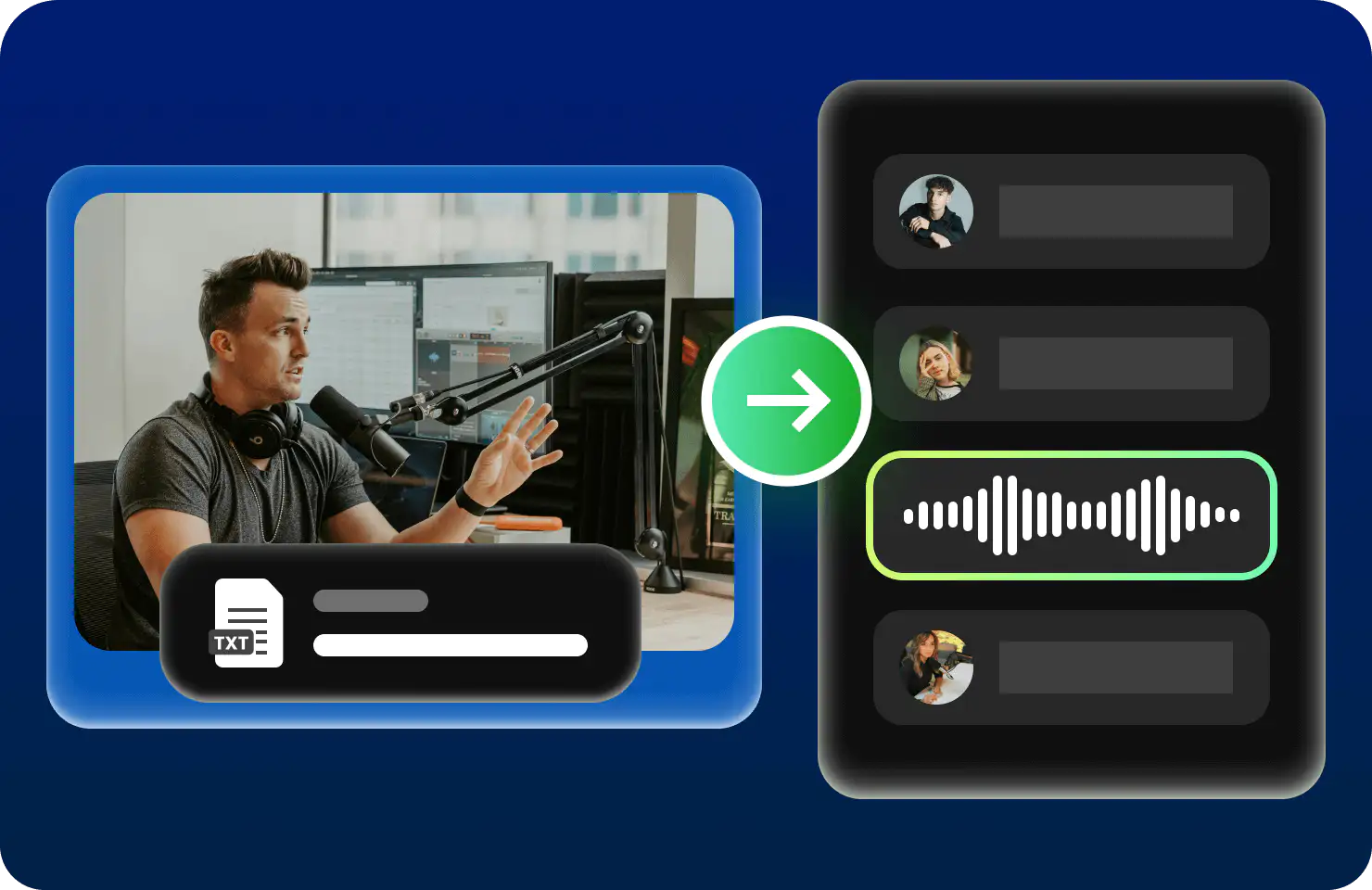
The best backup system is one that runs automatically without requiring conscious effort. Manual backups fail because people forget, procrastinate or decide backing up is too inconvenient. Automatic cloud backup eliminates this human failure point. Once installed, the system continuously monitors your files, automatically uploading new files and updated versions to cloud storage. You don’t think about it. You don’t manage it. It simply works in the background while you focus on actual work.
This automatic approach produces comprehensive protection that manual processes never achieve. Every file you create gets backed up. Every edit to existing files gets preserved. If you delete something accidentally, you can recover it from cloud backup. If malware corrupts files, you can restore clean versions. Complete protection requires this level of comprehensive automation—selective manual backup always leaves gaps where important files go unprotected.
Instant Recovery From Any Disaster
When hardware fails catastrophically, traditional recovery is often impossible. Hard drives don’t recover data easily. Professional data recovery costs hundreds or thousands of dollars and still fails frequently. Cloud backup through RecCloud eliminates recovery anxiety because your files exist in cloud storage independently of any device. Your new laptop can access them immediately. You’re never more than minutes away from complete file restoration.
Recovery speed matters dramatically. When you lose a device, you need files back immediately—not in weeks while trying to recover a failed hard drive, but today. Cloud backup delivers instant recovery. Buy a new device, install the backup software, log in and your files download automatically. You’re back to full productivity within hours rather than stuck without critical files for weeks.
Protection Across All Your Devices
Modern life involves multiple devices. Your laptop, phone, tablet and work computer all contain important files. Traditional backup methods create a protection nightmare—backing up each device separately becomes a complex, error-prone process. Cloud backup simplifies this drastically by protecting everything through a single unified system. Upload files from any device and they’re accessible from all other devices. Changes on one device automatically sync across all others.
This synchronization creates genuine convenience beyond simple backup. Work on a document on your laptop, continue editing on your phone during lunch and finish on your tablet at home. Your files are always current and synchronized across devices. RecCloud maintains this synchronization seamlessly while simultaneously protecting against data loss. You get backup protection and cross-device synchronization through a single integrated solution.
Security That Actually Protects Privacy

Storing files in cloud services raises legitimate privacy concerns. You’re trusting a provider with your most sensitive information—financial documents, health records, personal correspondence. Inadequate security means your private information could be exposed to hackers or even accessed by the service provider themselves. This concern explains why many people resist cloud storage despite its obvious benefits.
Strong encryption eliminates this concern by making your data incomprehensible even to the service provider. RecCloud implements end-to-end encryption so that even RecCloud employees cannot view your files. Your files are encrypted with a key only you possess. If authorities demand access, RecCloud cannot comply because they literally cannot decrypt your files. This approach protects your privacy absolutely while still providing cloud backup benefits.
Cost Efficiency Compared to Alternatives
People often underestimate the cost of data loss. A single corrupted project can represent weeks of lost work. Destroyed family photos are irreplaceable—no amount of money recovers them. Lost financial documents create tax complications costing hundreds in accounting fees and potential penalties. Yet cloud backup costs only a fraction of what people spend on coffee monthly. The cost-benefit ratio is absurdly favorable—tiny investment preventing potentially catastrophic losses.
Compared to other protection methods, cloud backup is remarkably affordable. Professional data recovery costs hundreds to thousands. External hard drives require ongoing management and eventually fail. Redundant local drives cost significantly more than cloud backup while providing inferior protection since both devices could fail simultaneously in disasters like fires or theft. Cloud backup delivers protection more reliably and affordably than any alternative approach.
Essential Backup Habits Everyone Should Adopt

Having cloud backup installed is step one. Using it effectively requires some basic habits:
- Verify that backup is actually running by checking your software dashboard—don’t assume it’s working without confirmation
- Test file recovery periodically to confirm you can actually restore files when needed
- Maintain strong passwords protecting your cloud account since access to it means access to everything
- Monitor storage usage and upgrade capacity before you exceed available space
- Review shared files periodically to ensure unwanted sharing hasn’t occurred accidentally
Your Files Deserve Protection
The files on your devices represent years of memories, work and creativity. Losing them would be devastating. Yet the protection required is simple and affordable—just install cloud backup and let it work. Tomorrow might bring a device failure, theft or corruption that destroys everything. Or it might not. But when it happens—and statistically it will happen to you at some point—you’ll be grateful you installed protection.
